
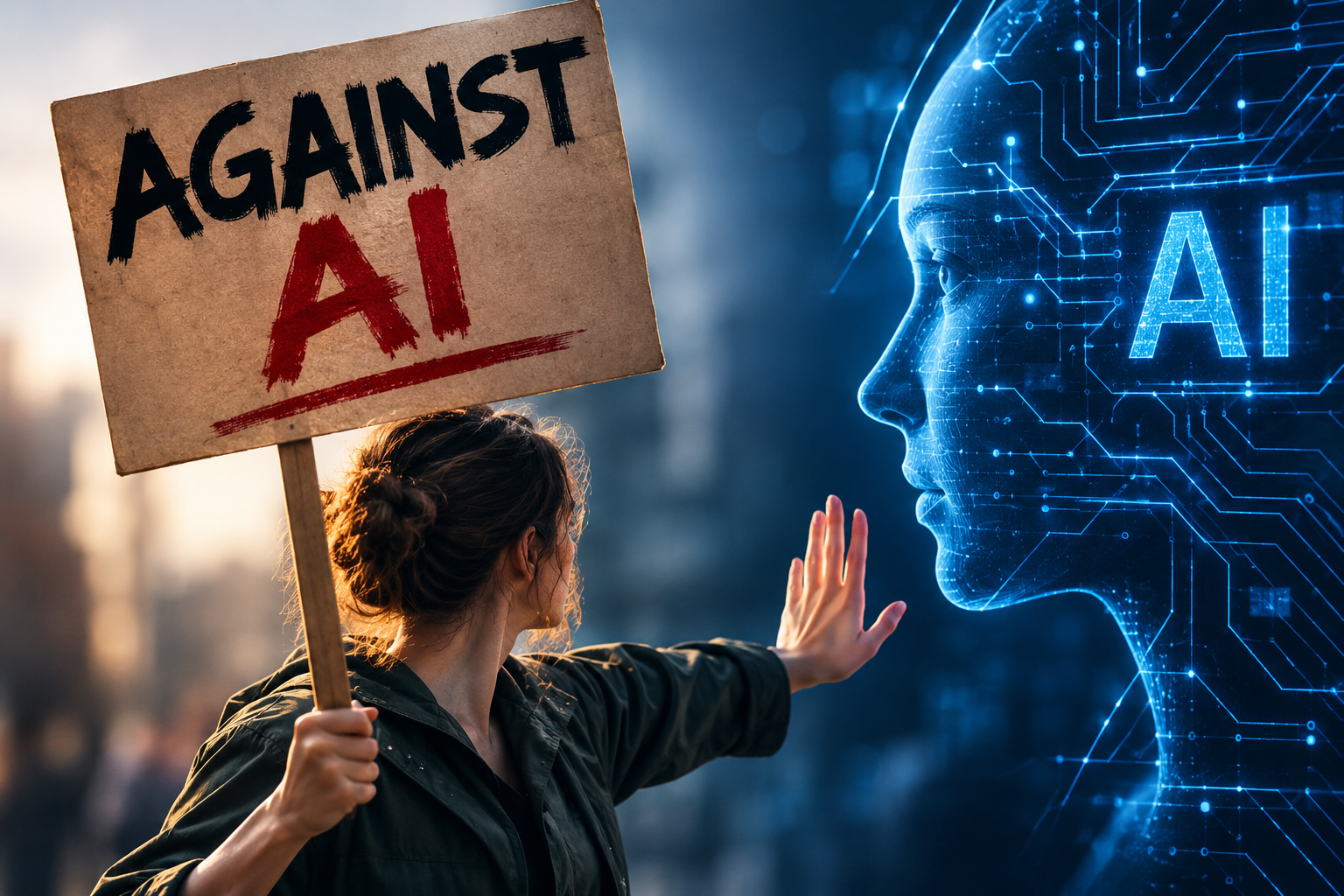
Artificial intelligence may be the most transformative technology of our lifetime. I believe that. I also believe something else: transformative technology deserves transformative levels of responsibility.

Everyone with a ChatGPT tab thinks they've adopted AI. A real AI adoption strategy means architecture, policy, and oversight, not a tool download.
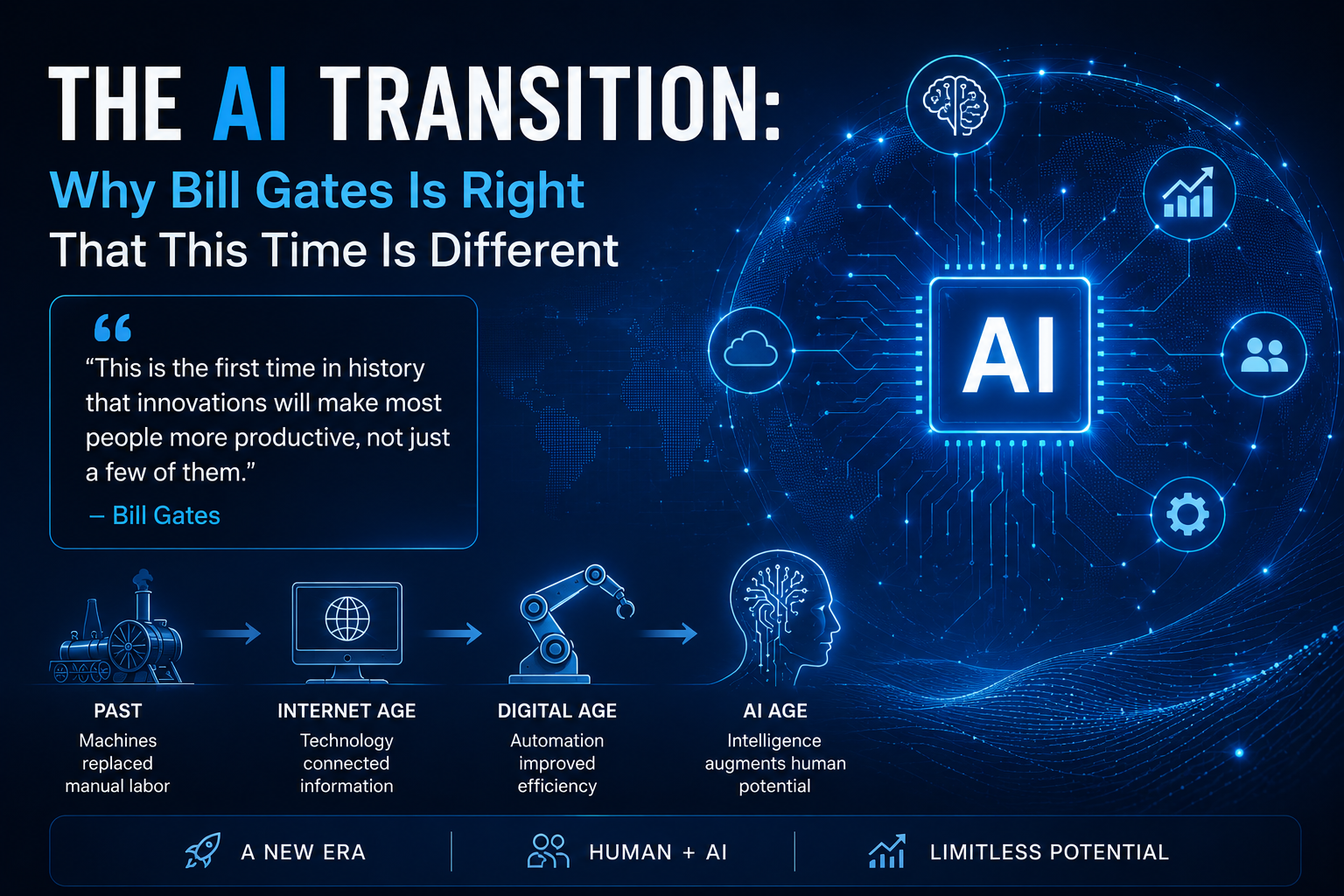
For most of modern history, every major technological disruption has come with the same reassurance: we have been here before. The Industrial Revolution displaced physical labor, but it also created factories, industries and entirely new categories of work. Computers eliminated some jobs while creating software developers, IT departments, digital marketers and an information economy. The internet disrupted everything from newspapers to retail, while simultaneously creating businesses and professions we could barely have imagined a generation earlier. So when concerns about artificial intelligence and jobs arise, it is tempting to reach for the same familiar conclusion: technology changes work, people adapt, new industries emerge and ultimately we create something new. But on August 26, 2026, Bill Gates published an essay on GatesNotes titled “The Turbulent AI Era Is Here. The Choices We Make Now Are Critical .” In it, Gates makes a much more provocative argument about the moment we are entering. He warns that AI is not simply another chapter in the long history of technological disruption and that society is not adequately preparing for the transition ahead. One section of his essay is titled with five words that immediately caught my attention: “This time really is different.” That idea is the starting point for this essay. What follows is not an attempt to predict the future with certainty, nor do I agree automatically with every policy solution Gates proposes. Rather, his essay raises a set of questions that I believe business leaders, policymakers, educators, workforce leaders and communities need to wrestle with now:
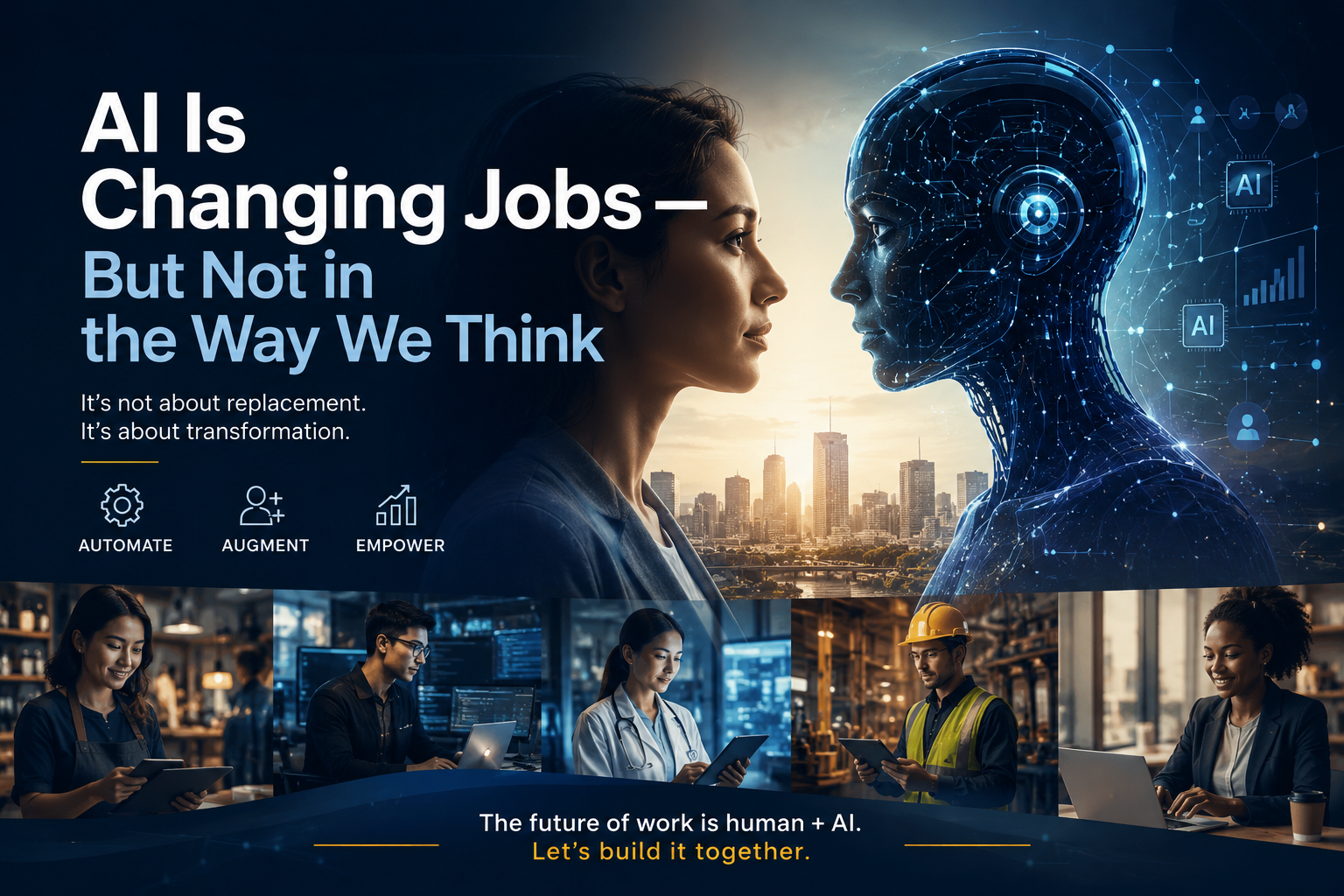
Recently, I had the privilege of testifying before the U.S. Senate about artificial intelligence and its transformative impact on the modern workforce. It was an opportunity to discuss an issue that is quickly becoming one of the defining economic questions of our time: What is AI actually going to do to jobs? The conversation around artificial intelligence often gravitates toward extremes. On one side is the promise that AI will dramatically increase productivity and create entirely new industries. On the other is the fear that automation will eliminate millions of jobs. The reality emerging from the data is more complicated — and, in many ways, more interesting. Through leading the BBB AI Hub and training thousands of business owners, nonprofit leaders and workers on the responsible use of artificial intelligence, I have come to believe that AI literacy is increasingly becoming the difference between leverage and liability. I have watched people use AI to organize complex information, improve communication, accelerate research, analyze data and turn ideas into action faster than ever before. I have also watched people enter sensitive customer information into public AI systems, accept fabricated citations as fact, rely on biased or incomplete outputs and purchase products labeled “AI-powered” without really understanding what the technology does. The opportunity is enormous. But so is the responsibility. And nowhere is that becoming more evident than in the workforce.

PwC’s 2026 Global AI Jobs Barometer goes beyond the question of whether AI will “take jobs.” It explores how AI is changing the structure of work itself and what those changes could mean for employers, employees and people just entering the workforce.
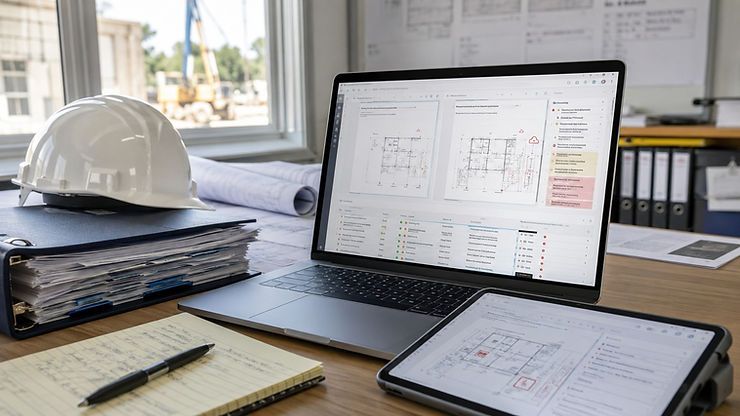
Someone on your team has probably figured out a good way to use AI. Maybe it helps compare requirements against a deliverable, organize closeout documents, prepare an action log, or summarize project reporting. The prompt works. The result is useful. The person who built it knows exactly what to provide, how to phrase the instructions, and what needs to be checked afterward. Then someone else tries to use it. That is usually when the team discovers that a good prompt is not yet a repeatable construction workflow. The second person uploads the wrong version of the specifications. The output comes back in a different format. A requirement is missed. Nobody knows whether the AI used the contract, the addendum, or the folder labeled: FINAL — USE THIS ONE The problem is not necessarily the AI. The process was never fully defined.
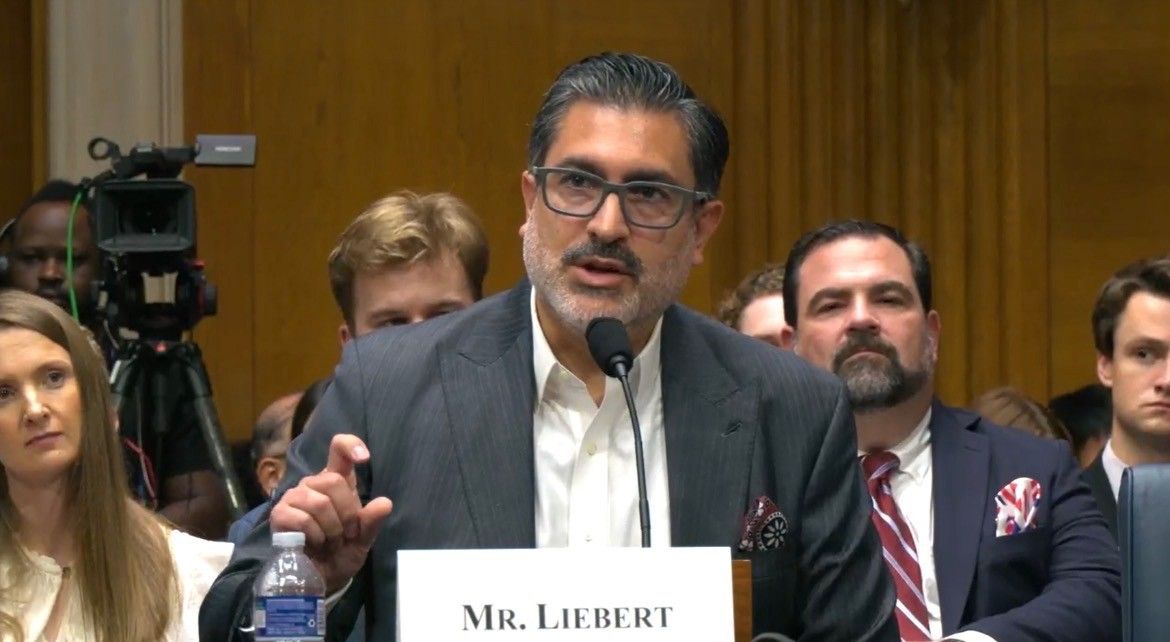
Jonathan Liebert CEO of the BBB of Southern Colorado testifies before congress on the Impact of AI on the Workforce

AI already knows a lot. That is not really the problem. The challenge is teaching it what matters to your business. It does not automatically know your customers. It does not know your tone. It does not know your standards. It does not know your process. It does not know which details are important and which ones will send your team into a group text spiral. That is where the skill comes in. Using AI well is not just about asking better questions. It is about teaching AI what you want it to know so it can give you answers that are actually useful. That is the focus of the class I am teaching through the BBB AI Hub: Teaching AI your Business: Building Context That Actually Works. We are going to talk about how to use ChatGPT settings, Projects, and Custom GPTs to give AI better business context. Not in a complicated way. In a practical way. Because most business owners do not need more AI hype. They need to understand how to make AI useful in the work they are already doing.

Most industrial organizations are not starting from zero. They are starting from systems that already work—just not in ways that scale easily. Legacy workflows often represent years of optimization under real constraints. They are imperfect, but they are functional. This is why modernization is rarely a technical problem alone—it is a continuity problem. The goal is not to replace what works. The goal is to reduce friction while preserving operational stability.